Renee's Object Obliterator
Remove small defects fast.
Version 1.1 · Released 2026-08-27
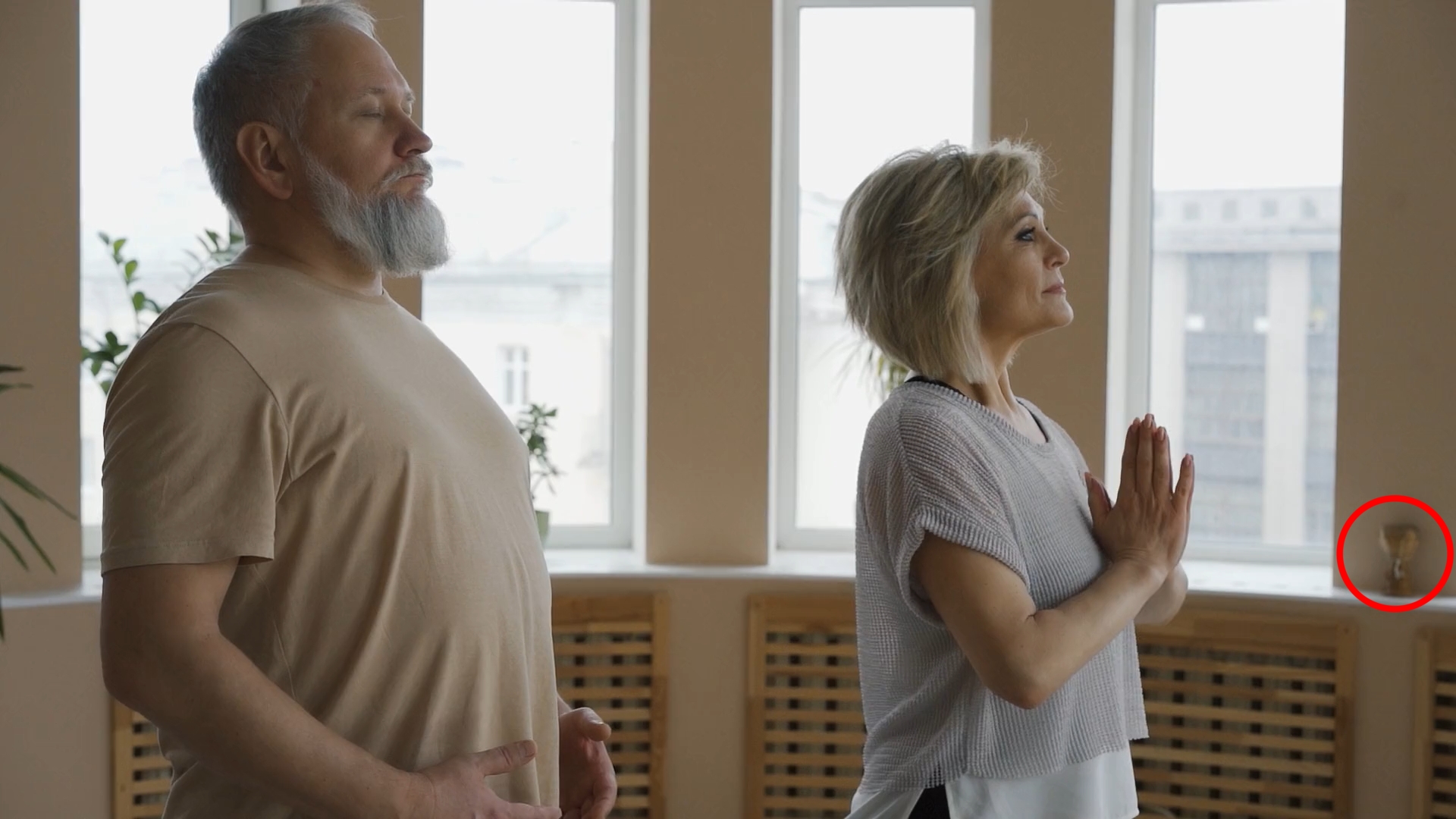
Renee's Object Obliterator is a port from the widely used and acclaimed Autodesk Flame setup of the same name. Named after Renee Tymn of Digital Banshee fame, this technique has been used in hundreds of commercials and videos over the past decade. It has been improved in several ways, including a a "retexture" feature, which is courtesy of Ted Stanley, as well as a directional obliterator feature.
It's used to remove small imperfections from your clips. It's not AI, so it's not quite the same as inpainting, but it's very fast, and can be applied to sensitive situations, like removing blemishes from faces.
To use it, make a mask and track it to the imperfection you'd like to remove, and put the alpha mask into the second input of the Object Obliterator. Tune the settings until the object disappears. There are additional settings for "stealing texture" from another area to make the blend more perfect (great for cloning skin texture when doing beauty work), or matching grain in the obliterated area.
Ready to get started?
Try Renee's Object Obliterator free for 14 days. No credit card required.